
From weighbridge to the manager’s report: weigh once, one number everywhere
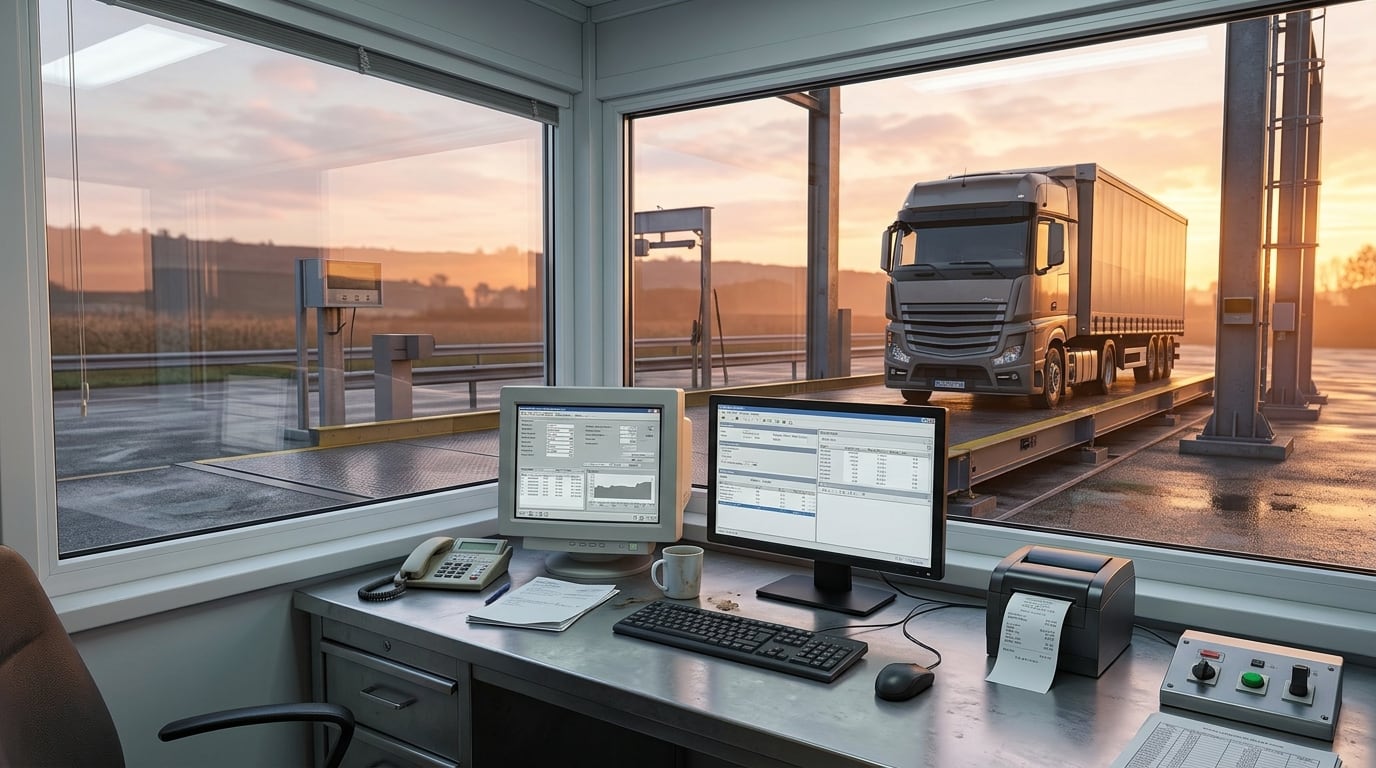
Six in the morning at harvest time. The truck queue reaches the road and the internet is down. In many factories that means pen and paper, and numbers that will have to be typed into the system that evening or the next day. Every retyping is a chance for a mistake, and at a weighbridge a mistake is money.
We built FaraTozin for exactly that moment. This article follows one weight from the indicator to the manager’s report — and says plainly where an accountant still has to step in today.
1. The weight comes from the indicator, not from a keyboard
The FaraTozin terminal reads the weight straight from the weighbridge indicator. One key takes the stable weight, and at the same time the plate-reading assistant suggests the plate from two cameras at either end of the bridge. If the plate reader is unavailable, the plate is typed by hand and weighing carries on.
Two-stage weighing (first weight, truck leaves, second weight) is the default; single-stage weighing is there for when the empty weight is already known.
2. The weighbridge PC first, then the server
The core rule is simple: an internet outage must never stop the weighbridge. Every ticket is saved and printed on the weighbridge PC first, then waits in a send queue. When the connection returns, the queue goes to the server in order, in batches.
Each ticket carries a unique key, so if a send is cut off and retried, the same ticket is updated and no duplicate is created. Operators can still sign in offline for 14 days after their last online sign-in.
3. One number, on paper and on the server
The ticket number is created on the terminal the moment the ticket is saved, even offline, and the server keeps it unchanged. The number on the driver’s paper is the number the manager sees in the report.
4. No weight changes without a reason
- Manual weights need a separate permission and a written reason; the reason and the user are stored, and the ticket is printed with a manual-weight warning.
- Ticket edits take two people: one requests, another approves. Nobody can approve their own request.
- Loss percentage (impurities, soil, moisture) is recorded separately and deducted, so the final net weight is clear.
5. The manager’s report comes from the same tickets
Tickets that reach the server appear in FaraERP’s weighbridge module, and management reports are built from them, with Excel export. Nobody has to wait for a notebook to see what the weighbridge did today.
Where an accountant still steps in today
To be clear: today a weigh ticket does not automatically create an accounting voucher, a stock receipt or an invoice. In FaraERP’s accounts a weighbridge is a detail-account group, so an accountant can tag voucher lines with the weighbridge — but they post the voucher themselves. Likewise, the ticket output today is a PDF file; printing straight to a printer is not ready yet.
We say this because we would rather you knew before you buy. The full “not today” list is on the FaraTozin site.
Why this path matters
Weighbridge disputes usually start small: a weight written by hand, a ticket entered twice, a number on paper that does not match the system. When the weight comes from the indicator, each ticket has one number and every change needs a reason and an approval, most of those disputes are closed before they begin.
One weighing, one number, one trail of changes. Every report stands on those three.
The operator’s day, up close
The terminal is built for an operator who has to work fast and not make mistakes:
- The parties (seller or broker, owner of the load, buyer and driver) are found by mobile number or national ID; someone coming for the first time is created when the ticket is saved.
- A completed plate fills in the vehicle type and driver from past records.
- Familiar keys: save, print, the list of open tickets waiting for a second weight, and reprint each have their own key.
- Three documents: a first-weight receipt, the full ticket and a driver copy without the trading parties or prices.
Every role kept apart
Permissions are fine-grained: viewing, operating the weighbridge, recording the first weight, recording the second, cancelling, reprinting, requesting an edit and approving one are all separate. An accountant can see the reports without being able to issue tickets, and an operator can issue tickets without approving their own edits.
This does not slow the work down; it just shows who put each number in and who approved it. When a question comes up, the answer is in the records instead of in someone’s memory.
Before installation: what to prepare
- A list of weighbridges: each has a code and a name, and its type is recorded. Each user works on one weighbridge, and tickets are numbered with that weighbridge’s code.
- The indicator connection to the weighbridge PC; setting it up needs a separate permission, so an operator cannot bypass the indicator.
- Two cameras at either end of the bridge, if you want the plate-reading assistant.
- Lists of products and vehicle types; an operator can also define a new product on the spot.
One reassuring point about the software licence: if it ever expires, only new first weighings are blocked; second weighings, printing and sending keep working. No truck is ever stuck on the bridge.
Next step
If you run a weighbridge, get in touch and we will walk through your own trucks’ path, from the bridge to the manager’s report, together.
Frequently asked questions
Does the weighbridge keep working if the internet drops?
Yes. Every ticket is saved and printed on the weighbridge PC first and reaches the server once the connection is back; sending is never a condition for saving.
Does a weigh ticket create an accounting voucher automatically?
Not today. An accountant can tag voucher lines with the weighbridge, but posts the voucher themselves.
Can an operator change a weight by hand?
Only with a separate permission and a written reason; the reason and the user are stored and printed on the ticket.
Can tickets be duplicated?
No. Each ticket has a unique key, and a retried send updates the same ticket.